How Turnip Driver Improves Minecraft Performance on Zalith Launcher
Getting real Vulkan performance out of an Adreno GPU on Android was, for years, a problem stock drivers never fully solved. That changed with the Turnip driver, the open source Mesa/Freedreno Vulkan implementation that has quietly become one of the biggest performance unlocks for Minecraft Java Edition players running Zalith Launcher. This guide breaks down what Turnip actually is, why it changes how Minecraft renders on your phone, how to install it step by step, and how much of a real difference it makes compared to the stock driver in 2026.
Status Update: The Turnip driver is actively developed as part of the Mesa 3D graphics project and receives new commits on an almost daily basis. Custom builds packaged for Android, distributed through repositories like AdrenoToolsDrivers, are updated constantly as new Adreno chips get proper support and older bugs get patched. Zalith launcher supports loading these custom drivers directly through its renderer settings.
What Is the Turnip Driver?
Turnip is an open source Vulkan graphics driver built inside Mesa, the same project that powers most of Linux’s graphics stack. It grew out of Freedreno, the long running effort to reverse engineer and write open drivers for Qualcomm’s Adreno GPUs without relying on Qualcomm’s own closed source code. Where Freedreno handles OpenGL, Turnip is the part of that same project that speaks Vulkan, the newer and far more efficient graphics API that modern versions of Minecraft Java Edition can use through renderers like Zink.
What makes Turnip matter for mobile Minecraft players is that Qualcomm’s stock Vulkan driver on most Android phones is tuned for everyday apps and mainstream games, not for the kind of heavy, unusual rendering workload that Minecraft running through Zink or a compatibility layer produces. Turnip, being written and maintained by developers deeply involved in the emulation and compatibility layer community, is tuned specifically for exactly that kind of workload. It often adds support for newer Vulkan features and Adreno chips before Qualcomm’s own official driver catches up, and it is completely free to use since anyone can build or download a compiled copy.
| Property | Details |
|---|---|
| Maintainer | Mesa / Freedreno community, with contributions from Google and Igalia |
| License | Open Source (MIT), Free |
| API | Vulkan 1.3 |
| GPU Family | Qualcomm Adreno 6xx, 7xx and early 8xx series |
| Delivery on Android | Custom builds loaded via libadrenotools, no root required |
| Works With | Zalith Launcher, Winlator, PojavLauncher forks, various emulators |
Why Turnip Matters for Zalith Launcher
Zalith Launcher runs Minecraft Java Edition on Android through a translation layer, since the game itself was never built for mobile hardware or ARM processors. That translation layer leans heavily on renderers such as Zink, which converts OpenGL calls from Minecraft into Vulkan calls the phone’s GPU can actually process. The catch is that this entire chain is only as fast as the Vulkan driver sitting underneath it, and that is exactly where the stock driver on most phones starts to show its limits.
Swapping in a custom Turnip build changes that bottleneck. Because Turnip is written with translation layers and emulation style workloads specifically in mind, it tends to handle Zink’s unusual command patterns far more efficiently than a stock driver tuned mainly for native Android apps. The result players report is consistently higher and steadier frame rates, fewer stutters when chunks load, and noticeably better shader compatibility, all without touching the phone’s actual firmware or requiring root access.
Higher, Steadier FPS
Community benchmarks consistently show smoother frame pacing on Zink compared to the stock Adreno driver.
No Root Required
Custom drivers load through the libadrenotools framework, so nothing on the phone’s system partition is modified.
Constantly Updated
Fresh builds ship from upstream Mesa commits, often within hours of a fix or a new GPU getting supported.
Better Shader Support
Improved Vulkan 1.3 compliance means fewer visual glitches when running shader packs through Zink.
Also Read: foldcraft launcher apk download for android
Where to Get a Turnip Build
Because Turnip is compiled directly from open source Mesa code, the safest place to grab a build is a repository that tracks the upstream project rather than a random file-sharing link. Repositories that package Turnip specifically for AdrenoTools-style loading rebuild automatically whenever the Mesa project pushes new commits, so the file you download reflects the latest driver fixes rather than a stale, months old copy.
Built from upstream Mesa · Updated continuously · Free and open source
How to Set Up Turnip Driver in Zalith Launcher
Check Your GPU
Confirm your phone uses an Adreno 6xx, 7xx, or supported early 8xx series GPU. You can check this in a system info app under GPU renderer or chipset details.
Download a Turnip Build
Grab the latest ZIP package from a trusted, actively updated Turnip repository. Do not extract the file, Zalith Launcher reads it directly.
Open Renderer Settings
Inside Zalith Launcher, go to the settings menu and locate the Renderer or Driver section where custom Vulkan drivers can be imported.
Import the Driver File
Select Import Driver and point it to the downloaded ZIP. Zalith Launcher will register it as a selectable option automatically.
Switch Renderer to Zink
Turnip only helps when paired with the Zink renderer, since Zink is what converts Minecraft’s OpenGL calls into Vulkan in the first place.
Launch and Compare
Start Minecraft and check the debug overlay for FPS. If performance drops instead of improving, roll back to the stock driver from the same settings menu.
Turnip vs Stock Driver: Real Performance Difference
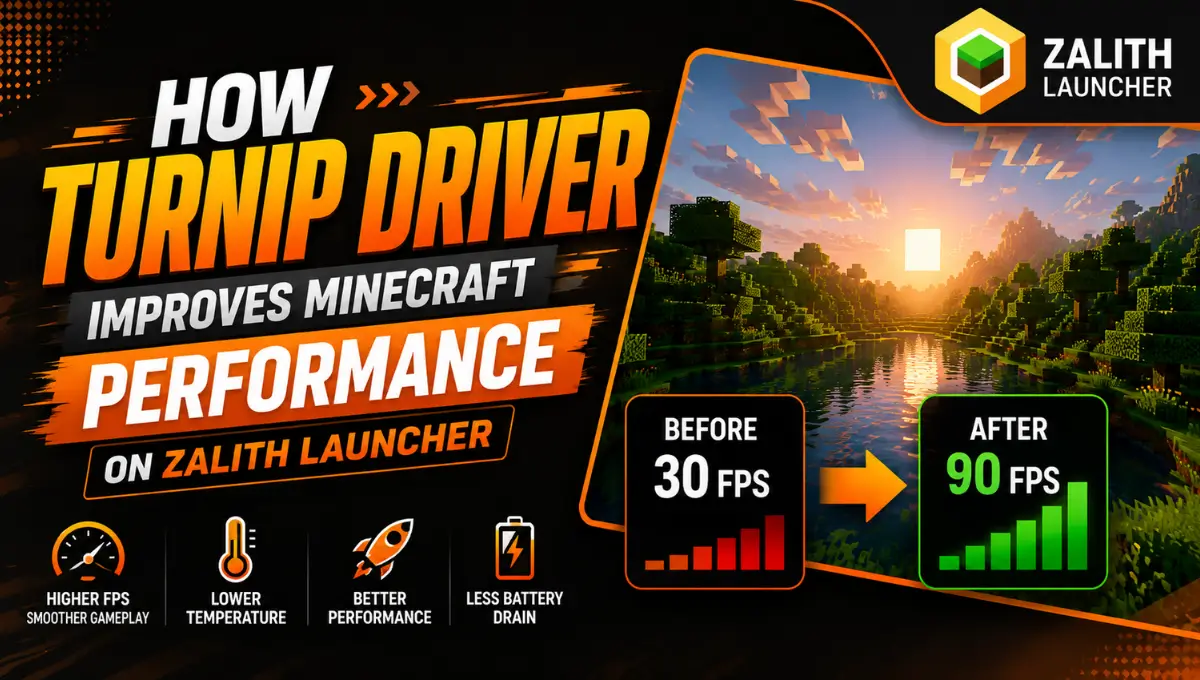
The gap between Turnip and the stock Adreno driver is not subtle when Minecraft is running through Zink. Players comparing both on the same device, same modpack, and same render distance regularly report noticeably higher and more stable frame rates once Turnip is loaded in, along with fewer stutters during chunk generation and mob heavy scenes. The stock driver is not badly built, it simply was never designed with a workload like Zink’s OpenGL to Vulkan translation in mind, and that mismatch shows up as inconsistent frame pacing rather than a flat performance ceiling.
| Turnip Driver | Stock Qualcomm Driver | |
|---|---|---|
| Development Model | Open source, community and Mesa maintained | Closed source, Qualcomm maintained |
| Update Frequency | Near daily upstream commits | Tied to phone firmware and OEM updates |
| Zink Compatibility | Purpose suited for translation layer workloads | Optimized mainly for native Android apps |
| Frame Pacing on Minecraft | Generally smoother, fewer stutters | Can be inconsistent during chunk loading |
| New Chip Support | Often ahead of the official driver | Depends on OEM rollout schedule |
| Installation | Manual import inside Zalith Launcher | Already installed, no setup needed |
The one honest tradeoff is stability. Because Turnip builds are pulled from a fast moving upstream project, a specific build can occasionally introduce a regression on a specific chip before it gets fixed. That is why keeping the stock driver as a fallback and checking device specific reports before jumping straight to the newest build is a sensible habit rather than something to worry about.
Supported Adreno GPUs
Turnip development began around the Adreno 500 and 600 series and has steadily expanded since. As of 2026 coverage extends comfortably across the entire 6xx and 7xx lineup, with active experimental work now reaching early Adreno 8xx chips found in the newest Snapdragon flagships. Older Adreno 5xx and earlier chips are not supported and are unlikely to be added, since the project has no plans to port that far back.
| Adreno Series | Example Chipsets | Support Level |
|---|---|---|
| Adreno 8xx | Snapdragon 8 Elite series | Actively expanding, experimental on newest chips |
| Adreno 7xx | Snapdragon 8 Gen 1, Gen 2, Gen 3 | Well supported and generally stable |
| Adreno 6xx | Snapdragon 855 through 888 series | Mature, long standing support |
| Adreno 5xx and older | Snapdragon 6xx/8xx legacy chips | Not supported |
Is Using Turnip Driver Safe?
Using a Turnip build inside Zalith Launcher is generally considered safe because of how it is loaded. The driver is imported through the libadrenotools framework, which lets apps swap in a custom Vulkan driver at the application level without touching the phone’s system partition, firmware, or requiring root access. Nothing about your device’s warranty status or core operating system changes as a result. The only real risk is downloading a build from an untrustworthy source, so sticking to repositories that build directly from the open Mesa codebase is the safest approach. If a specific build causes crashes or visual glitches on your chip, switching back to the stock driver from the same renderer settings menu instantly undoes the change.
Extra Tips to Get the Most Out of Turnip
FAQs
Quick answers about the Turnip driver and Zalith Launcher.
Conclusion
The Turnip driver is one of the clearest examples of what open source graphics development can do for mobile gaming that official vendors never fully prioritized. For Zalith Launcher users running Minecraft Java Edition on Adreno hardware, pairing Turnip with the Zink renderer turns a workload that stock drivers were never really built for into something that runs noticeably smoother, with better frame pacing and fewer visual hiccups. It takes a few extra minutes to set up compared to leaving the stock driver in place, but for anyone chasing real performance on Android, that setup time pays for itself the moment the game loads in.