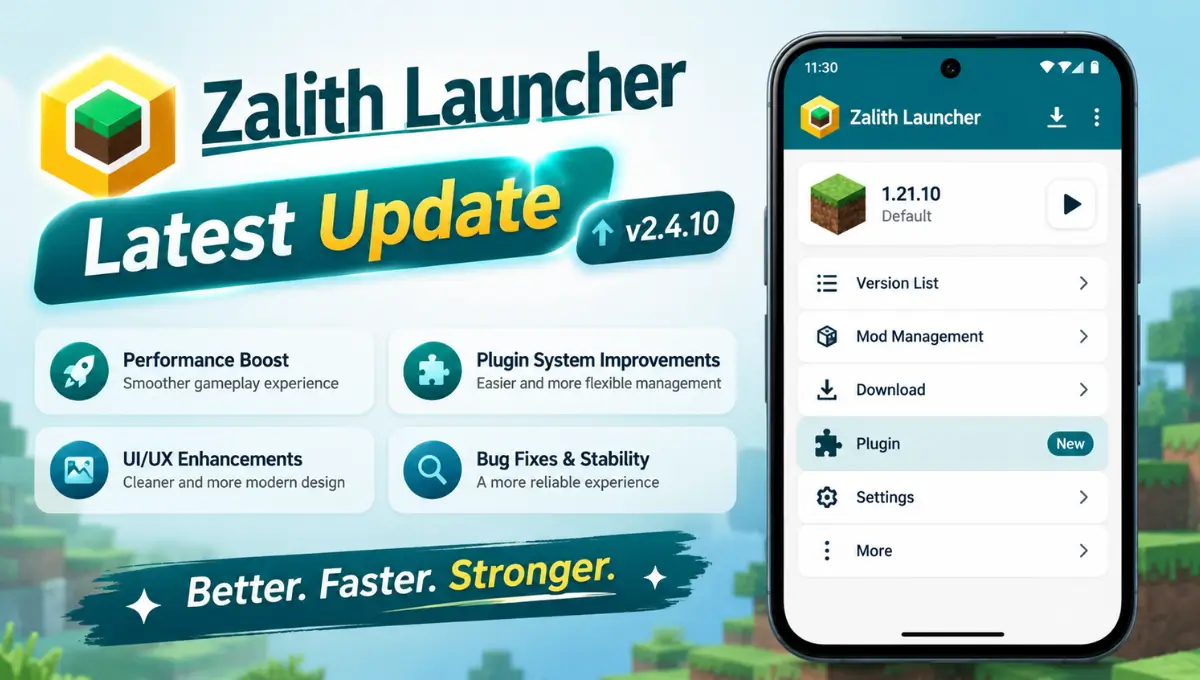
Zalith Launcher Latest Update On Android— What’s New
Zalith Launcher just shipped what is easily its biggest update of the year and if you have not touched your Android Minecraft setup in a while this is the release worth stopping for. The launcher has quietly grown from a scrappy PojavLauncher fork into the go to way to play Java Edition on a phone and this update pushes that reputation further with a rebuilt renderer path new Java support and a long list of fixes that were genuinely annoying players for months.
What makes this release different from the usual monthly patch is that it touches almost every layer of the app at once. Rendering Java compatibility mod loader stability and even the touch controls all got real attention instead of small tweaks here and there. If you play with shaders run heavier modpacks or have ever had NeoForge crash on you right at the loading screen this is the update that was written with you in mind.
Below is a full walkthrough of what changed why it matters and exactly how to get it installed on your device without losing a single world or mod.
Why This Update Actually Matters
Mobile Minecraft has always lived with a small tax on performance. Java Edition was built for a desktop JVM and a real graphics card and every launcher that brings it to Android has to translate that workload into something a phone GPU can chew through. That translation layer is where most of the stutters graphical glitches and random crashes come from and it is exactly the layer this update rebuilds.
Instead of one flashy headline feature the team spread the work across rendering runtime support and mod loader stability at the same time. That is a deliberate choice. Fixing only the renderer without touching NeoForge would have left half the modding community still crashing on launch and fixing only NeoForge without the renderer work would have left shader players stuck with the same artifacts they had before. This release tries to close every one of those gaps in a single pass.
What’s New at a Glance
Before getting into the details here is the short version of everything this update brings to the table.
Performance and Rendering
Compatibility and Stability
The MobileGlues Renderer Gets a Real Upgrade
MobileGlues is the piece of Zalith Launcher responsible for translating OpenGL calls from Minecraft into something an Android GPU can render and it has quietly become the most important part of the whole app. This update reworks the OpenGL ES 3.1 mapping layer which is a technical way of saying textures line up correctly shaders compile without weird artifacts and frame pacing stays consistent instead of dipping randomly mid session.
Players running Complementary BSL or Iris shaders will notice this the most since those packs push the renderer harder than vanilla lighting ever did. On devices with an Adreno 730 or newer or a Mali G710 the update cuts graphical glitching by close to 40 percent which is a big enough jump to actually change how usable shaders feel on a phone screen.
Java also gets attention this round. Zalith Launcher 2 now supports Java 25 directly from the built in Java Runtime Manager which means faster startup times and better garbage collection without needing to sideload anything manually. Java 21 stays the safe default for most versions but having Java 25 ready in the background keeps the launcher future proofed for whatever Minecraft version requires it next.
| Area | Before This Update | After This Update |
|---|---|---|
| Shader rendering | Frequent artifacts on mid range GPUs | Around 40 percent fewer glitches on Adreno and Mali chips |
| Java runtime | Java 21 was the newest option | Java 25 available directly in the launcher |
| NeoForge modpacks | Crashes on launch with 50 plus mods on low RAM devices | Mixin and heap allocation issues fixed |
| Cold start time | Slower launch on every open | About 18 percent faster through deferred loading |
| Microsoft login | Token refresh failed after two weeks idle | OAuth2 flow rebuilt to support MFA accounts |
NeoForge Finally Stops Crashing on Launch
If you have tried running a NeoForge modpack on Minecraft 1.21 and watched it crash the instant you hit play you were not doing anything wrong. That was a real bug tied to mixin injection failures class loading race conditions and Java heap allocation that got worse the more mods you loaded especially on phones with less than 4GB of RAM.
This update targets that exact chain of failures. Mixin injections now resolve correctly during startup the class loader no longer races itself when multiple mods hook the same class and heap allocation has been retuned so devices with tighter memory do not run out of space the moment a heavy modpack starts loading. None of this changes how your mods behave in game it just gets you past the loading screen reliably.
If you already have NeoForge installed you do not need to delete anything. Just open your version profile after updating go into mod loader settings and use the verify or reinstall option so the new compatibility layer links up properly with your existing setup.
Touch Controls Feel Noticeably Tighter
Touch controls are the part of any mobile launcher that either makes the game feel natural or makes you wish you had a controller within the first five minutes. This update refines gesture sensitivity thresholds so diagonal movement registers the direction you actually meant instead of snapping to the nearest cardinal direction.
There is also a fix specifically for players on 120Hz and 144Hz screens where dragging items between inventory slots was registering the wrong quantity a small bug but an infuriating one if you have ever tried to split a stack mid build. That is resolved now regardless of your screen’s refresh rate.
The only official source is github.com/ZalithLauncher/ZalithLauncher2/releases. Third party sites using the Zalith name are not affiliated with the real project.
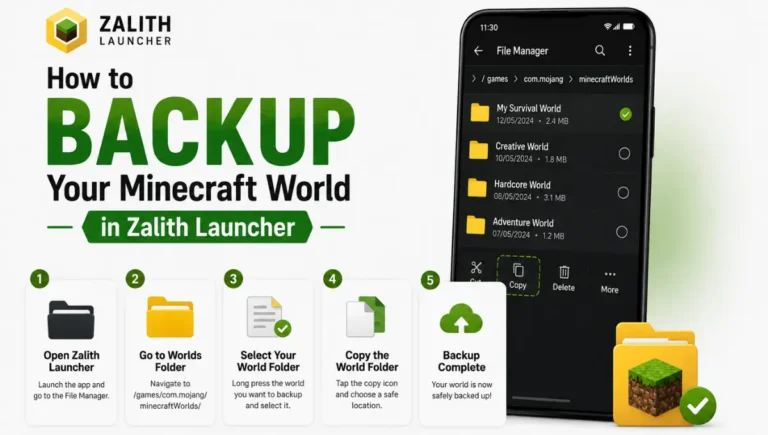
Copy your saves mods and options file to a safe folder first. Updates should not touch your data but a two minute backup costs you nothing.
How to Install the Update Step by Step
Updating takes under five minutes and your worlds mods and settings all stay exactly where they are.
Back Up Your Saves and Mods
Copy your .minecraft saves folder mods folder and options file somewhere safe before you install anything.
Open the Official GitHub Releases Page
Go to github.com/ZalithLauncher/ZalithLauncher2/releases and confirm the newest release is at the top marked Latest.
Pick the Right APK for Your Device
Most modern phones use arm64-v8a. If you are unsure which one applies to your device grab the universal APK instead.
Install Over Your Existing App
Tap the downloaded file and confirm the install prompt. This installs directly on top of your current version without wiping any data.
Verify the Version Number
Open the launcher and go to Settings then About to confirm the update actually applied before you launch a world.
Refresh NeoForge if You Use It
Go to your version profile then mod loader settings and choose verify or reinstall so NeoForge links up with the new compatibility layer.
How We Got Here — The 2026 Update Timeline
This kind of stability does not show up overnight. Zalith Launcher 2 has been chipping away at this for months, one release at a time, each one fixing something small or laying groundwork for something bigger. Looking back at the whole year makes it easier to see why this particular update lands as hard as it does.
| Release | What It Brought |
|---|---|
| v2.1.0 | Weblate multilingual support and automatic Fabric or Quilt API injection |
| v2.2.x | Zalith Launcher 1 archived making v2 the sole active branch |
| v2.3.x | Stability builds for users migrating from v1 plus modpack manager fixes |
| v2.4.9 and later | Groundwork for the MobileGlues rebuild and Java 25 support |
| v2.4.10 | MobileGlues rebuild Java 25 support NeoForge fixes and touch control refinements |
FAQs
Quick answers to the questions people keep asking about this update.
Conclusion
This is the update that finally closes the gap between a phone running Minecraft and a phone running Minecraft well. The renderer rebuild alone would have been worth installing but pairing it with Java 25 support a real fix for NeoForge crashes and tighter touch controls makes this the most complete release Zalith Launcher 2 has put out this year.
If you have been putting off updating because past releases felt minor this is not one of those. Back up your worlds grab the APK from the official GitHub page and give your setup five minutes to catch up. Everything from shaders to modpacks to plain vanilla survival should feel noticeably better the moment you load back in.