TLauncher Download: Minecraft 26.3 Latest Version & Setup Guide
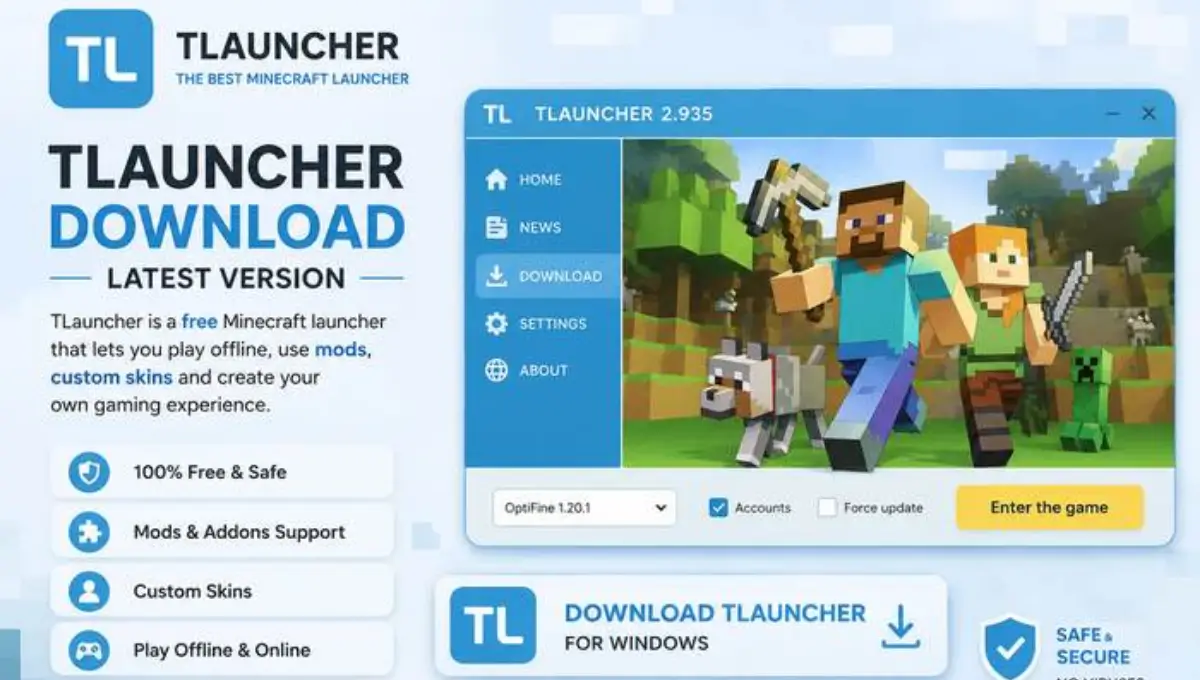
T Launcher has been the launcher millions of players turn to when they want to run Minecraft: Java Edition without going through Mojang’s official launcher, offline profiles, old versions from 2010 onward, skins, capes, and mod support, all packed into one lightweight download. Unlike some of the launchers we’ve covered before, T Launcher is still very much alive, actively updated, and currently tracks Minecraft 26.3 “Chaos Cubed.” This guide walks through what T Launcher actually is, how it compares to the official launcher, its version history, a full install walkthrough, and an honest look at the pros and cons before you download it.
Status Update: TLauncher is actively maintained. The current build, TLauncher 2.9360, supports Minecraft: Java Edition 26.3 “Chaos Cubed,” released June 16, 2026, along with every version back to the original 2010 alphas. Keep in mind it is a third-party tool, not an official Mojang product, so a few things about how it works are worth understanding before you install it, covered further down this page.
TLauncher 2.9360 · Supports Minecraft 26.3 · Windows, Mac, Linux, Android
What Is T Launcher?
T Launcher is a free, third-party launcher for Minecraft: Java Edition, built by TLauncher Inc. as an alternative to the official Mojang launcher. Instead of requiring a paid Minecraft account for every feature, TLauncher lets you sign in with an offline profile and still access nearly the full game, every version from the earliest public alphas of 2010 through today’s latest release, downloaded directly from Mojang’s own servers with no modifications to the game files themselves.
What makes it popular is how much it packs into a single install: a built-in version manager, skin and cape customization, mod and resource pack support, a server browser for multiplayer, and adjustable memory and Java settings for players who want to squeeze more performance out of older hardware. It’s not affiliated with Mojang or Microsoft, and it’s worth being upfront about that distinction before you dive in.
| Property | Details |
|---|---|
| Developer | TLauncher Inc. |
| License | Freeware, third-party (not affiliated with Mojang) |
| Platforms | Windows, macOS, Linux, Android |
| Latest Build | TLauncher 2.9360 |
| Supports Up To | Minecraft 26.3 “Chaos Cubed” |
| Account Type | Offline profiles, no paid account required |
Core Features
T Launcher’s whole pitch is convenience: one launcher, every version, no account paywall standing between you and a world. It bundles version switching, mod loading, skins, and multiplayer access into a single interface that’s built to feel familiar to anyone who’s used the official launcher before. Below is a quick breakdown of what you actually get once it’s installed.
Every Version, One Launcher
Switch between anything from the 2010 alphas to Minecraft 26.3 without juggling separate installs.
Mod & Resource Pack Support
Drop in Forge or Fabric mods and resource packs through the built-in manager, no manual file shuffling.
Skins & Capes
Upload custom skins and enable capes without needing a premium Minecraft account.
Server Browser
Save and join multiplayer servers directly from the launcher’s built-in server list.
Memory & Java Controls
Adjust RAM allocation and Java runtime settings to get smoother performance on older PCs.
Two-Minute Setup
The installer walks through Java detection and setup automatically, no manual configuration needed.
Multi-Language Interface
Available in over a dozen languages including English, Spanish, Russian, German, and Arabic.
Clean, Unmodified Game Files
Every Minecraft version is pulled straight from Mojang’s own servers with nothing altered.
Read More: zalith launcher 1 vs zalith launcher 2
Download T Launcher
Always grab TLauncher from the official website. Because the launcher is so widely searched, there are plenty of copycat and ad-stuffed mirrors floating around, sticking to the source keeps you clear of anything bundled in that shouldn’t be there.
How to Install T Launcher
Download the Installer
Head to the official TLauncher site and grab the installer for your operating system, Windows, Mac, Linux, or Android.
Run the Setup File
Open the downloaded file and let the installer guide you through the process, it will check for Java automatically.
Install Java If Needed
If Java isn’t already on your system, the installer offers to download and set it up for you in the same flow.
Launch and Set a Profile
Open TLauncher and create an offline profile with any username, no purchased account required to start playing.
Choose a Minecraft Version
Pick the version you want from the dropdown, anywhere from classic alphas to the current 26.3 release.
Hit Play
Click play, let the version files download once, and you’re in the game.
T Launcher Version History
A short timeline of how the launcher and the Minecraft versions it tracks have moved together, right up through the current release.
| Period | Milestone | Details |
|---|---|---|
| 2010–2011 | Earliest supported builds | TLauncher’s version library begins with the original public alpha releases |
| Ongoing | Offline profile system | Custom usernames and offline play added so an account purchase isn’t required to start |
| Ongoing | Mod and skin support added | Forge and Fabric loading, custom skins, and capes integrated into the launcher |
| March 2026 | TLauncher 2.9360 | Stability and compatibility build released alongside Minecraft 26.1 support |
| April 21, 2026 | 26.3 Snapshot 4 tracked | Launcher adds support for the fourth snapshot of the 26.3 update cycle |
| June 16, 2026 | Minecraft 26.3 “Chaos Cubed” added | Sulfur caves, a new mob, Vulkan support, and the friends list become available through the launcher |
| 2026, ongoing | Continued snapshot tracking | TLauncher keeps pace with new Java Edition snapshots as Mojang releases them |
Is T Launcher Safe and Legal to Use?
T Launcher is a simple launcher for running Minecraft Java Edition on PC. You can download it from a trusted source and use it to manage Minecraft versions and settings for a smooth gameplay experience.
If you are an Android user and want to play Minecraft Java Edition on your phone then Zalith Launcher is a better option. You can use the download button below to get Zalith Launcher and start setting up Minecraft on Android.
Pros and Cons of T Launcher
No launcher is perfect for everyone, here’s a balanced look at where TLauncher pulls ahead and where it falls short.
Pros
Cons
T Launcher vs. the Official Minecraft Launcher
If you’re weighing whether to stick with Mojang’s own launcher or switch to TLauncher, here’s how the two actually compare feature for feature.
| Category | T Launcher | Official Launcher |
|---|---|---|
| Account required | Offline profile, no purchase needed | Purchased Microsoft account required |
| Version library | 2010 alphas through 26.3 | Current and recent versions only |
| Mod support | Built-in Forge/Fabric manager | Manual setup required |
| Multiplayer | Limited on premium-only servers | Full access everywhere |
| Official support | Community-run, no Mojang backing | Full Mojang/Microsoft support |
| Cost | Free | One-time game purchase |
FAQs
Quick answers about TLauncher and Minecraft 26.3.
Conclusion
TLauncher earns its popularity honestly: it’s fast to set up, it covers nearly every Minecraft version ever released, and it doesn’t lock modding or skins behind a paywall the way some alternatives do. The trade-off is just as honest, it’s a third-party tool running outside Mojang’s official ecosystem, so support, multiplayer access, and long-term reliability aren’t guaranteed the way they are with the real launcher. If you already own Minecraft and just want a lighter, more flexible way to run it, TLauncher is worth trying. If you’re deciding whether to buy the game in the first place, it’s worth remembering that TLauncher is a workaround, not a replacement, for owning it properly.