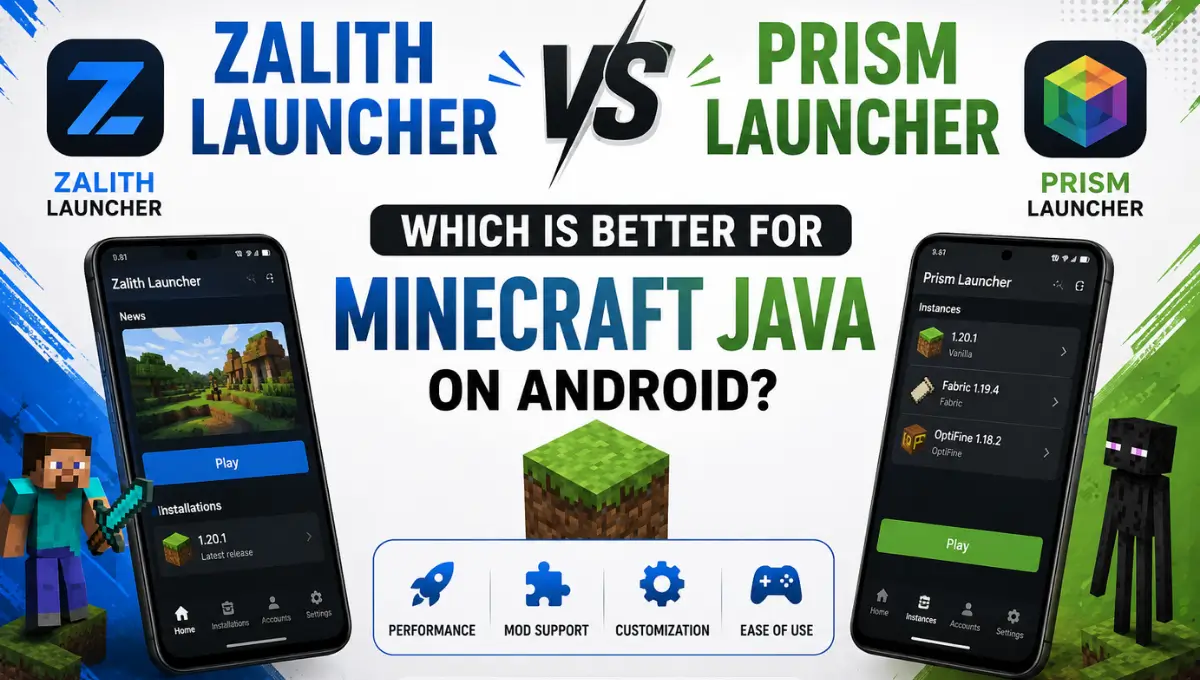
Zalith Launcher vs Prism Launcher: Which Is Better for Minecraft Java on Android?
Prism Launcher keeps showing up in threads about the best way to run Minecraft Java Edition on a phone, and that recommendation causes more confusion than it solves. Prism Launcher was built for Windows, Linux and macOS from the start. It was never designed to run on Android and there is no official Android build maintained by the Prism Launcher team. Zalith Launcher on the other hand was built specifically for Android as a fork of PojavLauncher. This guide breaks down what each project actually is, where Prism Launcher genuinely fits into the picture, and why Zalith Launcher remains the practical answer if your goal is playing Minecraft Java Edition on a phone or tablet.
Quick Answer: Zalith Launcher is a dedicated Android app built to run Minecraft Java Edition on phones and tablets, with a modern interface and native support for four major mod loaders. Prism Launcher is a desktop launcher for Windows, Linux and macOS, and it has no official Android version, so it cannot be installed and played the same way on a phone. If you’re comparing these two for mobile gaming, Zalith Launcher is the real option. Prism Launcher only enters the conversation once you’re managing your Minecraft setup on a computer instead.
What Are Zalith Launcher and Prism Launcher?
Zalith Launcher is an open source Android application built by MovTery and the Zalith Team as an enhanced fork of PojavLauncher. The current version was rebuilt using Jetpack Compose and Material Design 3, which gives it a genuinely modern touch-first interface, along with native support for Forge, Fabric, Quilt and NeoForge right inside the app.
Prism Launcher comes from a completely different lineage. It’s a fork of MultiMC built with the Qt toolkit, designed to help players manage unlimited Minecraft instances on a desktop computer, each with its own mods, resource packs and settings. It connects directly to Modrinth, CurseForge, ATLauncher, FTB and Technic for modpack installs. What it does not have, and has never claimed to have, is an official Android build. Some unrelated apps on app stores borrow the “Prism” name, but they are not the same project as the one maintained at prismlauncher.org and on GitHub.
| Property | Zalith Launcher | Prism Launcher |
|---|---|---|
| Developer | MovTery & Zalith Team | Prism Launcher Team (fork of MultiMC) |
| Relationship to Pojav | Independent fork of PojavLauncher | Not related to PojavLauncher |
| License | Free, Open Source | Free, Open Source (GPL-3) |
| Platform | Android only | Windows, Linux, macOS |
| UI Framework | Jetpack Compose + Material Design 3 | Qt-based desktop interface |
| Runtime | Bundled JVM via renderer stack | Automatic per-instance Java management |
| Status | Actively developed | Actively developed |
Interface and User Experience
This is really where the comparison stops being a fair fight. Zalith Launcher’s Jetpack Compose rebuild was designed around a touchscreen from the ground up, with gesture-based movement, direct inventory interaction and menus that feel snappy on a phone. Every part of the layout assumes you’re holding a device in your hands, not sitting at a desk with a mouse.
Prism Launcher’s interface was never meant to solve that problem. It uses a sidebar and instance grid built for a mouse and keyboard, and it has no touch controls, no on-screen joystick and no mobile-optimized rendering pipeline. That’s not a flaw in Prism Launcher, since it’s simply not the job it was built for. But it does mean that treating it as a mobile alternative to Zalith sets you up for disappointment before you even get to the performance question.
Mod Loader Coverage
Zalith supports Forge, Fabric, Quilt and NeoForge natively on Android; Prism covers the same loaders plus LiteLoader on desktop.
Platform Reach
Zalith is Android only by design; Prism runs on Windows, Linux and macOS with no official Android or iOS build.
Instance Management
Prism excels at running unlimited parallel modpacks; Zalith keeps things simple with a single focused Android profile.
Touch Controls
Zalith is built entirely around gesture and touch input; Prism has no touch layer since it targets mouse and keyboard.
Zalith Launcher vs Prism Launcher: Full Feature Comparison
Since these two launchers target different hardware entirely, this isn’t really a head-to-head on equal footing. The table below lays out where each one actually stands so you can see exactly why the choice mostly comes down to which device you’re playing on.
| Feature | Zalith Launcher | Prism Launcher |
|---|---|---|
| Interface | Modern touch UI, Material Design 3 | Desktop instance manager, Qt-based |
| Mod Loaders | Forge, Fabric, Quilt, NeoForge | Forge, Fabric, Quilt, NeoForge, LiteLoader |
| Instance Management | Single active profile focus | Unlimited parallel instances |
| Platform Support | Android only | Windows, Linux, macOS |
| Touch Controls | Yes, gesture based | None, requires mouse and keyboard |
| Java Runtime | Bundled JVM via renderer stack | Automatic per-instance Java management |
| Account Support | Microsoft account, offline mode | Microsoft account, offline mode |
| Best For | Playing Java Edition on a phone or tablet | Managing modpacks on a computer |
Read More: tlauncher download minecraft
Performance and Compatibility
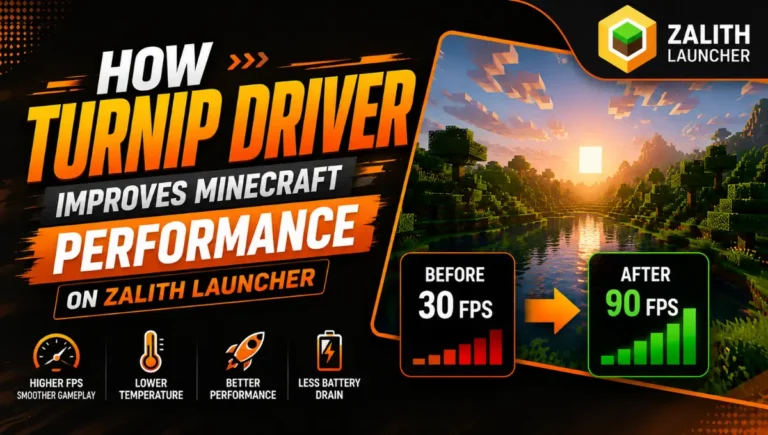
Zalith Launcher’s performance story is built entirely around mobile hardware. Its renderer stack, especially when paired with a custom Turnip driver build, produces noticeably smoother frame pacing during chunk loading and shader-heavy scenes on newer Adreno chips. This kind of GPU driver tuning matters because Android devices don’t run Java or OpenGL natively the way a desktop does, so translation layers need real optimization work to feel smooth.
Prism Launcher doesn’t face that translation problem at all, since it runs on desktop hardware with native GPU drivers and a full-size Java runtime already available. That makes it fast and stable in its own lane, but it also means comparing frame rates between the two isn’t really useful. One is optimized for squeezing performance out of a phone chipset, and the other simply hands the game to a proper desktop GPU that never needed the workaround in the first place.
Modding and Multiplayer
Zalith Launcher’s in-app mod browser connects directly to CurseForge and Modrinth, letting you search, download and install mods without leaving the app, and its native NeoForge and Quilt support covers most modern modpacks. It’s genuinely solid for mobile modding, but a phone screen and limited storage still put a natural ceiling on how large those modpacks can practically get.
Prism Launcher is where heavier modding actually belongs. Its instance system connects to Modrinth, CurseForge, ATLauncher, FTB and Technic, letting you run dozens of separate modpacks side by side without ever touching the others, something a mobile app realistically can’t offer. Multiplayer works the same way on both launchers though: connect to any public Java Edition server, play over LAN, or sign into premium servers with a Microsoft account that owns a valid Java Edition license. Neither one supports Bedrock cross-play, since both are built specifically around the Java client.
Zalith Launcher — Pros & Cons
✅ Pros
❌ Cons
Prism Launcher — Pros & Cons
✅ Pros
❌ Cons
Which One Should You Choose?
Download Zalith Launcher & Prism Launcher
Grab Zalith Launcher from its official source if you’re on Android, since that guarantees you get the latest fixes and version compatibility instead of an outdated mirrored copy. If you’re on a computer, Prism Launcher’s own download page is the only place you should get it from, since it always points to the correct build for Windows, macOS or Linux.
How to Install Prism Launcher
Learn how to install Prism Launcher on Android with this simple step-by-step guide. Follow each step carefully to get Minecraft Java Edition running smoothly.
Click the Download Button
Click the Download Prism Launcher button above on this page to get the correct build for your system, Windows, macOS, or Linux.
Run the Setup File
Open the downloaded installer once it finishes and follow the on-screen steps to complete setup.
Launch Prism Launcher
Open the app once installation finishes. You’ll land on the main instance screen, empty on first launch.
Add Your Microsoft Account
Go to Accounts and sign in with a Microsoft account tied to a valid Java Edition license, or skip this for offline testing.
Create a New Instance
Click Add Instance, pick a Minecraft version, and optionally attach a modpack from Modrinth, CurseForge, ATLauncher, FTB, or Technic.
Play
Double-click the instance and Prism Launcher handles the Java runtime and game files automatically.
FAQs
Quick answers comparing Zalith Launcher and Prism Launcher.
Conclusion
The honest answer to “Zalith Launcher vs Prism Launcher” isn’t really a rivalry, since the two projects were never built to compete on the same device. Zalith Launcher is the tool for playing Minecraft Java Edition on Android, with a modern touch interface, native mod loader support and real driver-level performance tuning for phones. Prism Launcher is the tool for managing serious modpacks on a desktop computer, with deep platform integrations and unlimited instance support that a mobile app simply can’t match. If someone tells you to switch from Zalith to Prism for a better mobile experience, that advice doesn’t hold up, since Prism was never meant to run there in the first place. Pick Zalith for your phone, pick Prism for your PC, and use your Microsoft account to carry your worlds between the two whenever you switch devices.